
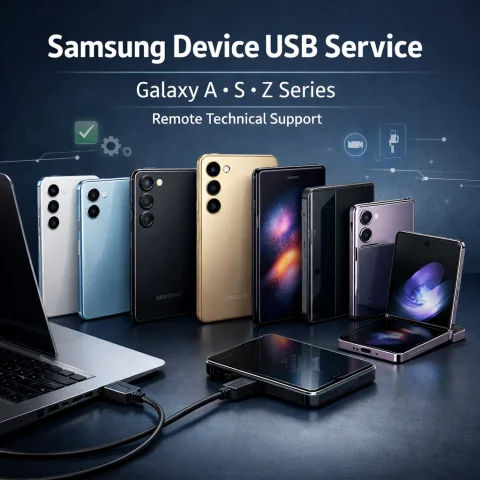
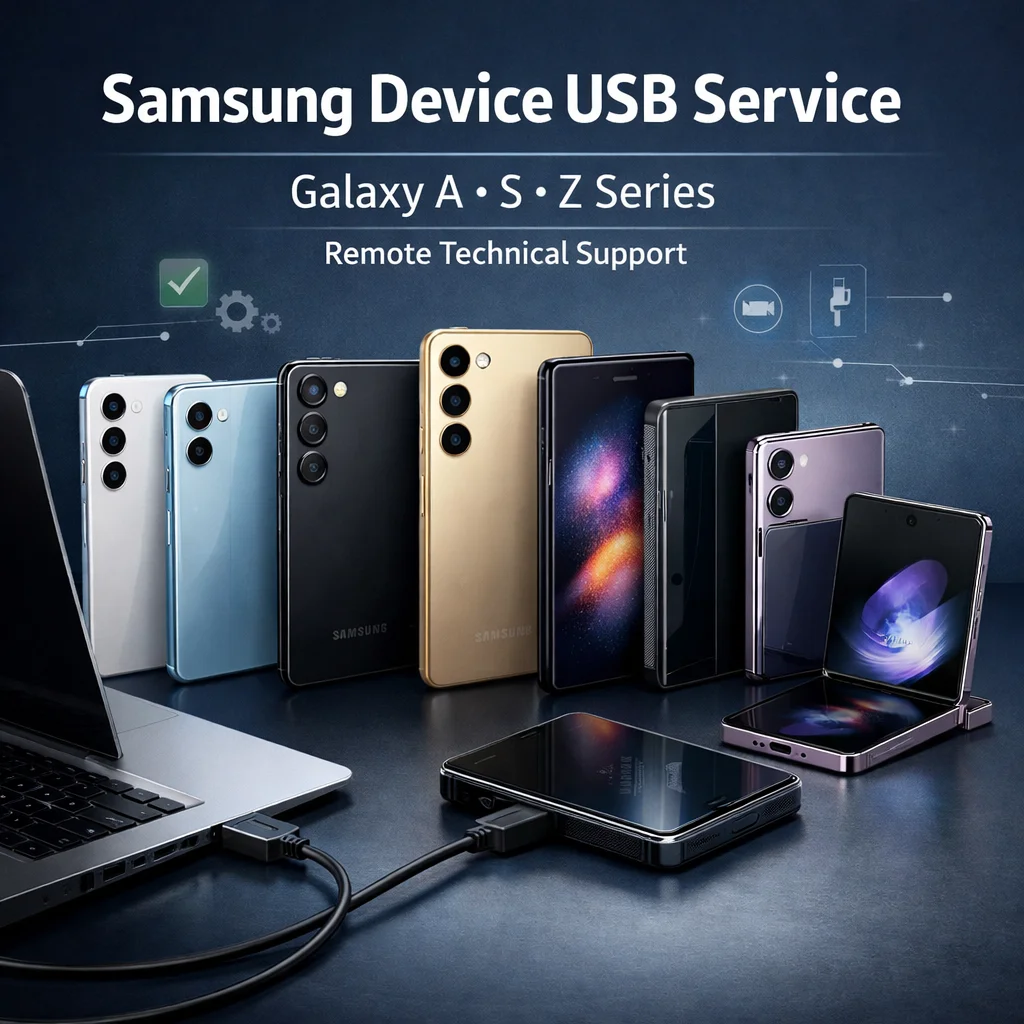
Samsung USB Unlock (Semi-Permanent) – A16/A17/A26/A36, S24/S25, Flip 6/7, Fold 6/7
Semi-permanent remote unlock performed via USB connection using USB Redirector 1.9.7. Only Non-Ask Code phones are supported. Please read all requirements below before ordering.
⏰ Working Hours: 24/7 💳 Payment: USDT (Tether) Only ⚡ Internet: Min 1.6 MB/s 🔌 Tool: USB Redirector 1.9.7
Supported Models
- Galaxy A Series: A16, A17, A26, A36
- Galaxy S Series: S24, S25
- Galaxy Z Series: Flip 6, Fold 6, Flip 7, Fold 7
Not Supported (Do NOT Order)
❌ Carrier Restrictions
AT&T
Spectrum
❌ Feature Restrictions
No eSIM
✅ Allowed
Hard Reset is OK
Important Notes
- You may update/flash, but it is not recommended because a future Samsung security update may re-lock the phone.
- For best stability, we recommend stopping updates after service completion.
- This service requires reliable internet and a stable USB connection throughout the process.
Requirements (Must Have)
- Good internet: minimum 1.6 MB/s stable speed.
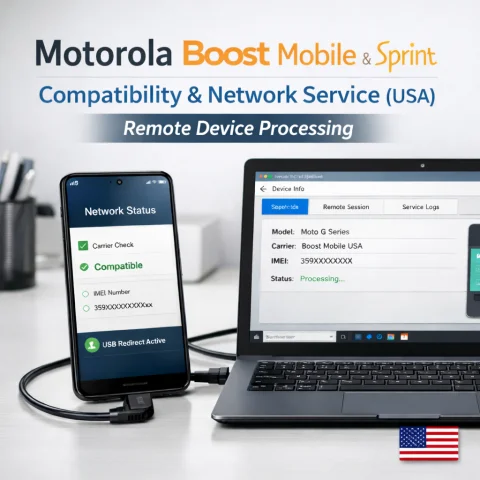
- USB Redirector: install and use USB Redirector 1.9.7.
- USB cable: good quality (avoid loose connections).
- ADB access: enable USB Debugging, and accept ADB prompts.
- SIM card: insert SIM card from the beginning (before connecting).
Step-by-Step Process
- Insert a SIM card into the phone from the beginning.
- Open USB Redirector 1.9.7.
- Set Technician Address to: 109.123.242.6
- Connect the mobile to your PC via USB.
- Enable USB Debugging, select Always allow, and accept ADB.
- Stay connected and wait while we complete the unlock.
Before Ordering:
Confirm your device is Non-Ask Code and not on the unsupported list (AT&T, Spectrum, eSIM). Orders placed for unsupported devices may be rejected.
No reviews found!
![Permanent MDM Unlock for Tecno, Infinix & iTel | MDM Remove by IMEI | Instant to 24H [Premium Service]](https://quickaccdeals.com/assets/img/no-image.jpg)
No comments found for this product. Be the first to comment!